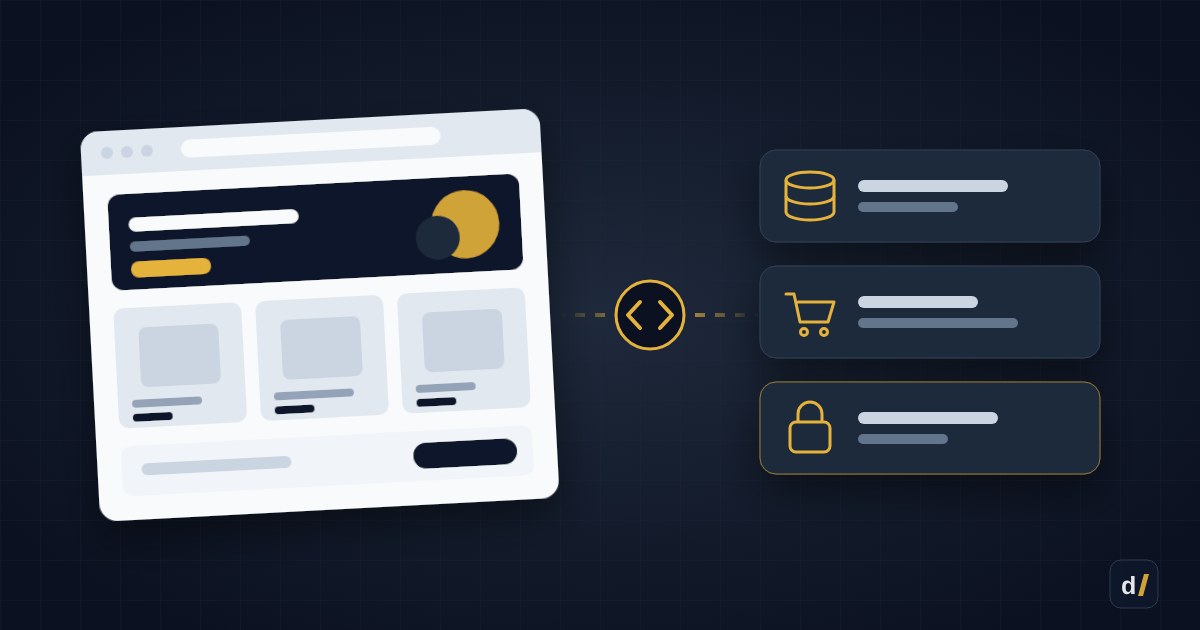
"Headless" is one of the loudest words in e-commerce. Agencies love selling it: a separate React frontend, instant page transitions, total design freedom. Shopify has its own framework for it — Hydrogen — and free hosting called Oxygen.
But headless isn't a theme upgrade. It's a different store architecture with different costs. For most stores, a well-built Shopify theme delivers the same result for far less money. Here's when Hydrogen genuinely pays off — and when it doesn't.
The 30-second version
- Headless means the storefront (what shoppers see) is a separate app, while Shopify stays the "backend": products, cart, checkout.
- It pays off when you need non-standard UX, several storefronts or content from multiple sources — and have budget for ongoing development.
- It doesn't pay off when the problem is speed, design or conversion — a theme solves those.
- Hidden costs: some apps stop working, the theme editor disappears, and every change becomes developer work.
What headless and Hydrogen actually are
In a regular Shopify store, pages are generated by a theme written in Liquid. You edit it in the admin, and apps plug into it on their own.
In a headless store, pages are generated by a separate application that pulls data from Shopify through the Storefront API. Hydrogen is Shopify's React framework for building these apps (it's built on React Router). Oxygen is Shopify's hosting for Hydrogen storefronts, included at no extra cost on most plans (Starter excluded).
| Theme (Liquid) | Hydrogen (headless) | |
|---|---|---|
| Who changes pages | A marketer in the theme editor | A developer in code, or an editor in a CMS |
| App Store apps | Plug into the theme automatically | Only those with an API; the rest need manual integration |
| Checkout | Shopify Checkout | The same Shopify Checkout |
| Speed | Fast, if the theme is clean | Fast, but depends on code quality |
| UX freedom | Within what the theme allows | Any interface |
| Launch cost | Lower | Several times higher |
| Maintenance | Mostly no developer needed | A developer needed on an ongoing basis |
Checkout doesn't change
Even on a headless store, shoppers pay on the standard Shopify Checkout. So payment providers, Shop Pay and most payment settings work exactly as they do with a theme.
When headless pays off
- Non-standard shopping experiences. Product configurators, complex calculators, real-time personalisation, an app-like interface — things a theme can only do with workarounds.
- Several storefronts on the same data. Different brands, countries or a B2B portal from one catalogue, each with its own design.
- Content is part of the product. A media-led brand where articles, lookbooks and products are mixed, and content lives in a separate CMS.
- Integrations a theme can't handle. Real-time prices, stock or recommendations from your ERP or your own service.
- You have a team. You have — or are ready to pay for — React developers on an ongoing basis, not just for launch but for maintenance.
Headless works best when several of these apply at once. One on its own rarely justifies the cost.
When headless doesn't pay off
- Your store is slow. The usual culprits are unused apps, heavy images and scripts. That's fixed in the theme — see 10 reasons your store is slow.
- You want a "unique design". A custom Shopify theme can deliver almost any design, and your marketer keeps the editor.
- Conversion is low. The cause is rarely architecture — it's usually UX, photos, pricing or delivery.
- A small team with no developer. Every banner, promotion or new page becomes a task for a programmer.
- Your store runs on apps. Reviews, loyalty, upsells, widgets — on headless, most of them have to be reintegrated or replaced.
The hidden costs of headless
- Apps: anything that plugs into a theme (review widgets, pop-ups, badges) won't appear on a headless storefront by itself.
- Editing: the theme editor goes away — you need a CMS (Shopify metaobjects, Sanity, Contentful) and its setup.
- SEO and analytics: meta tags, sitemaps, structured data, cookie consent and event tracking all have to be built in code.
- Maintenance: framework, Shopify API and dependency updates are ongoing work, not a one-off project.
What changes for a store in Ukraine
If your store relies on Ukrainian services, check these in advance (more detail in Shopify in Ukraine):
| What | With a theme | With Hydrogen |
|---|---|---|
| Payment providers | On Checkout | No change — same Checkout |
| Fiscal receipts (PRRO) | Through the provider or a service | No change |
| Nova Poshta branch picker | An app widget in the cart | Needs a custom build on the Nova Poshta API |
| BAS, KeyCRM and other back-office systems | Through connectors | No change — they work with orders, not the storefront |
The branch picker in the cart is usually where most of the extra work goes: app widgets are built for themes, so on headless that step has to be built yourself.
The middle ground
Between "theme only" and "fully headless" there are options in between:
| Option | What it is | When it fits |
|---|---|---|
| Optimised theme | A clean Online Store 2.0 theme, few apps, custom sections | Most stores |
| Custom sections and metaobjects | Complex blocks and content without changing architecture | You need flexibility, not a new frontend |
| Hybrid | Main store on a theme, a separate Hydrogen storefront for one project | A configurator, a campaign landing, a B2B portal |
| Fully headless | The whole storefront on Hydrogen | A large brand with a development team |
A hybrid is often the smartest place to start: you test headless on one project without betting the whole store on it.
Decision checklist
Answer honestly. If most answers are "no", stay on a theme.
- Is there a specific feature a theme can't deliver (not just "we want something more modern")?
- Have you already fixed speed and UX in your theme — and are hitting its limits?
- Is there budget for ongoing development, not just for launch?
- Is your team ready to make changes through a CMS or a developer instead of the theme editor?
- Have you checked every important app — does it work without a theme?
- Will the conversion gain cover the higher launch and maintenance costs?
Not sure whether you need headless?
We'll assess your store and tell you honestly whether a theme, a hybrid or full Hydrogen solves the problem — with a cost estimate for each option.
Get In Touch
Want to apply this to your store?
Tell us what your Shopify store needs — we'll suggest a solution and estimate the work